

End to end for structural steel
Let's Build it.
VIRTUELE is a cloud platform for BIM data management, automation and collaboration in construction.

Take the design model from LOD 200 to LOD 350 — connections resolved, coordinated, ready for the GC. Engineer, GC and fabricator working from the same steel, not three versions of it.

From LOD 200 to LOD 350. Without the rework.
Estimate, detailing, coordination, fabrication data. Commercial, industrial and miscellaneous steel — and nothing else.

VIRTUELE Ai
Intelligence, built in
You won't see the AI. You'll see the difference.
No chat box, no prompts, no separate mode to learn. The intelligence runs inside the application while your team works — connections resolve faster, problems surface sooner, RFIs move without chasing. It only knows steel, which is why it's useful.
Catches it before coordination
Problems in the model surface before they reach coordination, rather than waiting for a clash report to find them after the fact.
Keeps the RFI moving
RFIs move without someone chasing them down — instead of a log nobody reads until the weekly call.
Learns how you build
Connection choices and shop preferences carry across projects rather than being re-specified from scratch each time.
An engineer still approves
Nothing generated goes anywhere without a person signing it. In steel, automation that can't show its work isn't worth the hours it saves.
Steel projects lose money in the handoffs.
The model gets rebuilt at every handoff
The same geometry is modelled, re-measured and re-entered by each party in turn, so the project pays three times for one set of facts.
Problems surface where they cost most
Fabrication and erection issues appear on the shop floor or in the air, when a change costs many times what it would have cost in the model.
Nobody can see the real position
Progress is reported into spreadsheets after the fact, so the programme being managed and the steel actually being cut are two different documents.

What VIRTUELE is
- End to end for the steel package — estimate, detailing, coordination, fabrication data.
- Detailing that catches errors before they reach the shop floor, not after.
- One record for steel that every party on the job can read and write.
- Intelligence running in the background on the model, the RFIs and the schedule.
What VIRTUELE isn't
- A BIM authoring platform. Nobody models somewhere new.
- A point solution. It covers the steel package start to finish, not one step of it.
- A closed system. Data moves in and out of the platforms your team already runs.
- A multi-material platform. No concrete, no rebar, no MEP. Steel, and only steel.
Built for the whole steel supply chain.
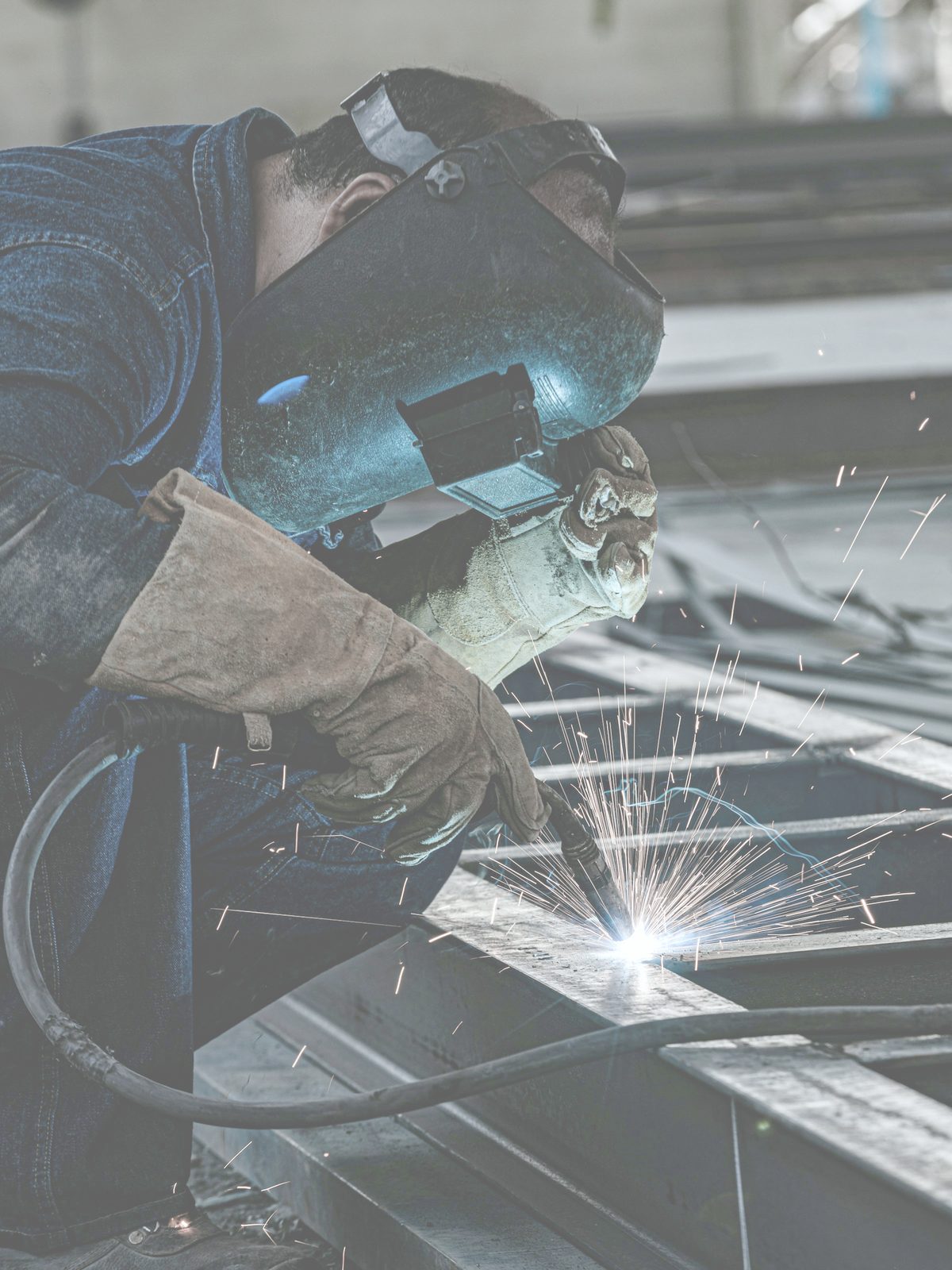
Steel Fabricators
Win more bids and protect margin without adding headcount.
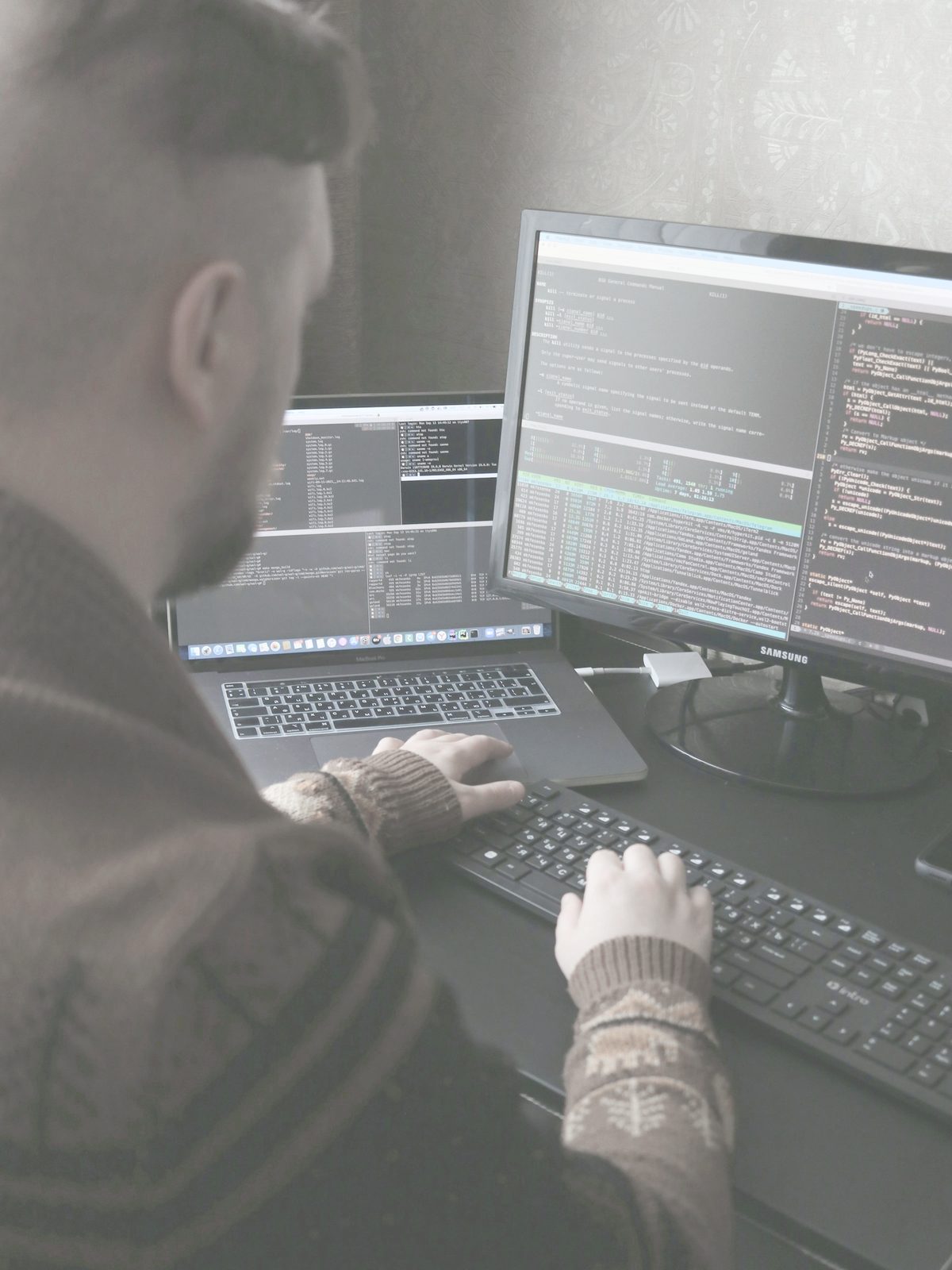
Steel Detailers
Detail at volume while every team applies the same standards.
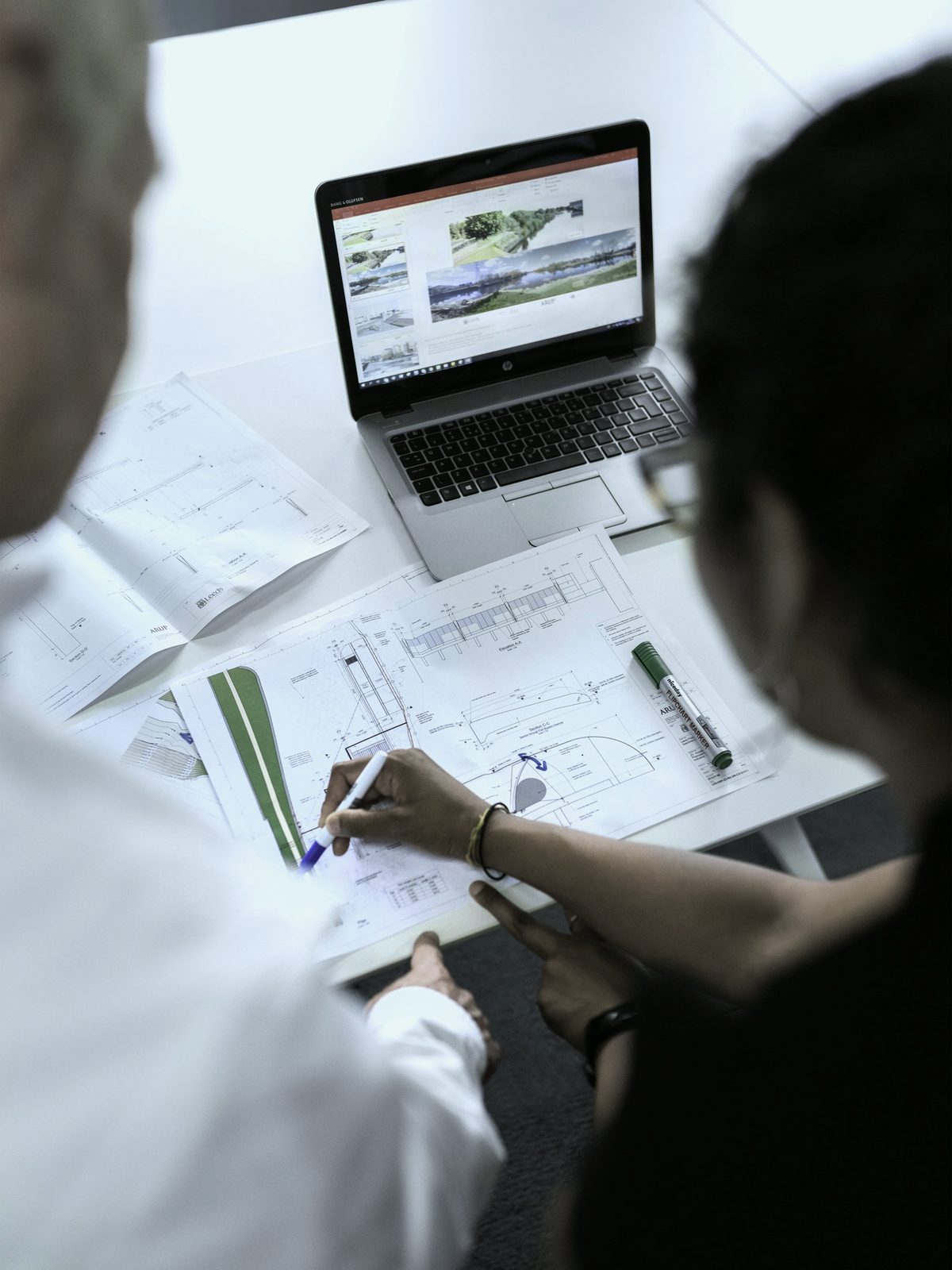
BIM Consultants
Recommend tooling that still works after the handoff.

Structural Engineers
Verify model quality and standards consistency before fabrication.
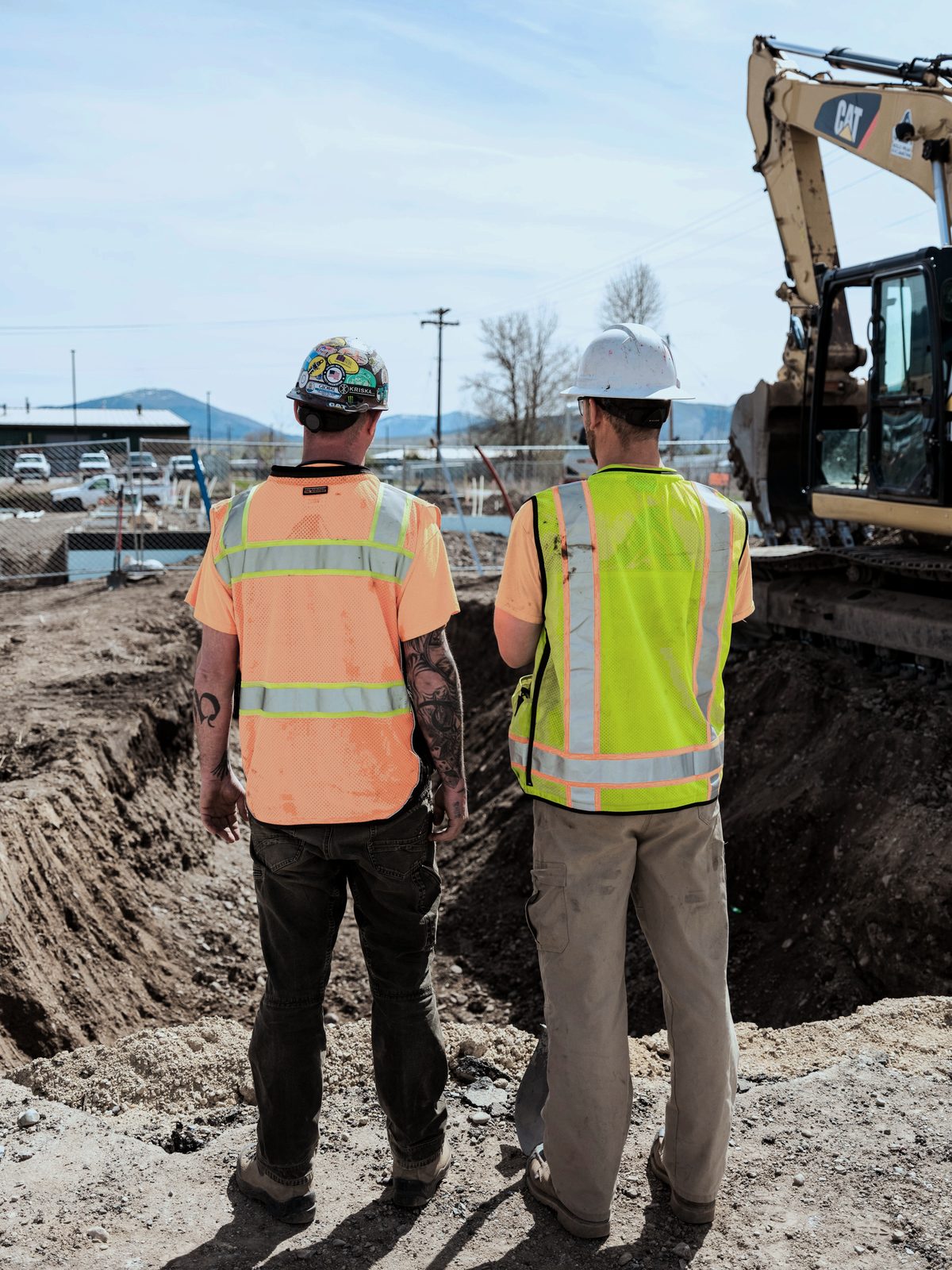
General Contractors
Coordinate and turn around RFIs on one dataset.
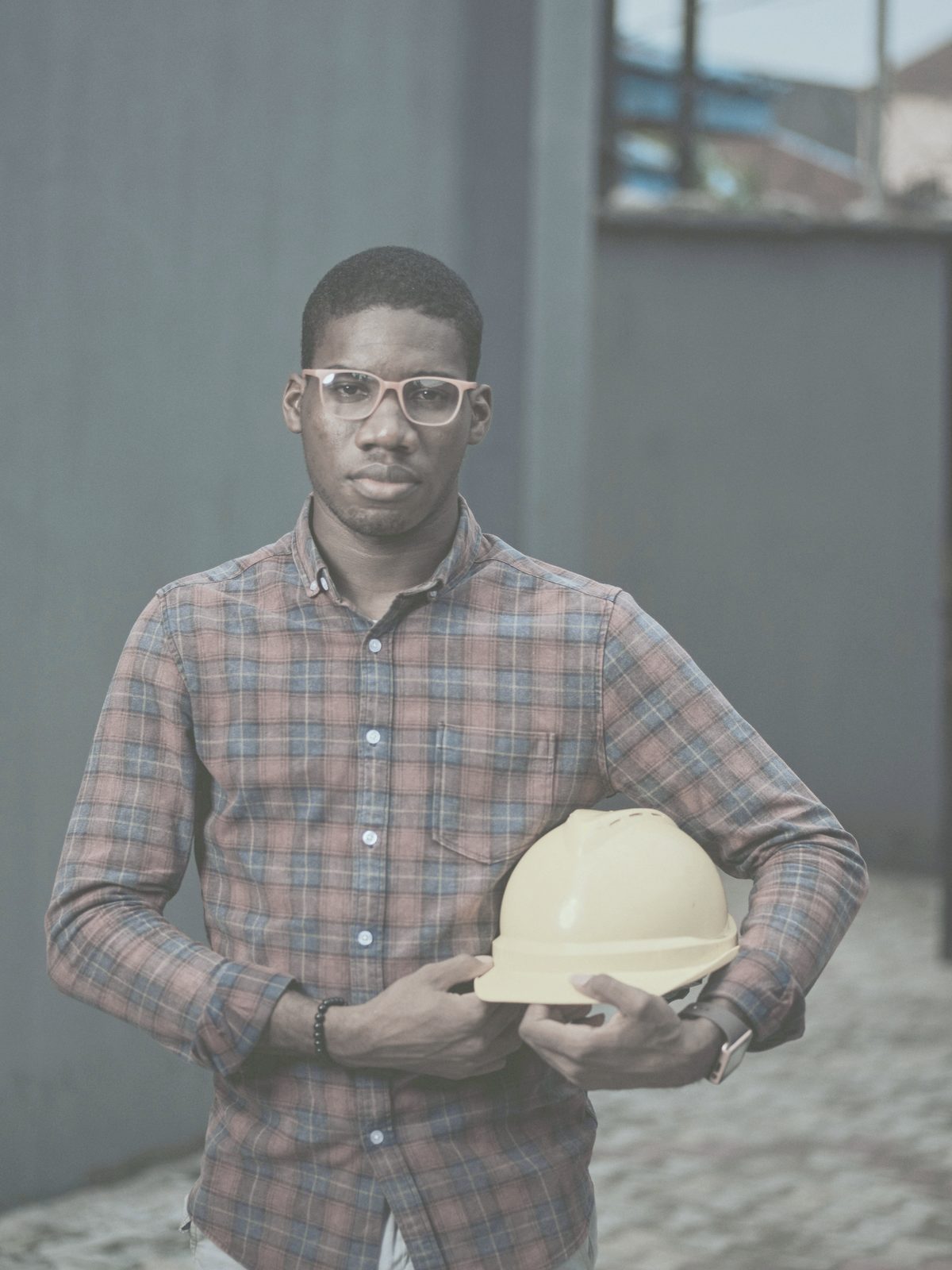
Owners
See schedule and cost from the model itself.


The gap
Connect the model. Check it before it ships.
Point VIRTUELE at the design model and it applies connections across the whole frame — then tests them against how the piece will actually be built and erected. Your engineer approves every step.
Auto-connect the frame
Code-compliant connections applied across the model from a maintained library, instead of one at a time by hand.
Errors caught before fabrication
Fabrication and erection conflicts get flagged in the model and corrected before a piece is released to the shop, not discovered on the floor.
Built the way your shop builds
Connections follow your fabricator's preferences and tooling, not a generic default that gets reworked in detailing.
Data the shop can use
MTO reports with revision comparison, drawings and model data handed off in the formats your fabrication and estimating systems already read.
01
MIGRATE
Bring an existing model in without rebuilding it.
- Source format
- Member mapping
- Material grades
- Assembly hierarchy
Includes BIM Integrations
02
CONNECT
Apply your own shop standards to every joint.
- Bolt grade and type
- Hole type
- Stiffener rules
- Weld preferences
Includes Steel Connection Libraries, Fabrication Shop Standards
03
CHECK
Find fabrication and erection issues before the shop floor.
- Beam-to-column clearance
- Bolt access
- Erection sequence
- Duplicate members
Includes Prechecks, Early issue detection
04
ESTIMATE
Price the same model the project is being built from.
- Beams
- Columns
- Braces
- Plates and fittings
Includes MTO Reports
05
COORDINATE
Keep drawings, documents and RFIs on one dataset.
- Anchor bolt plan
- Column schedule
- Shop tickets
- Open RFIs
Includes Drawings, Document Markups
06
TRACK
See where every piece stands, from model to erection.
- Detailed
- Approved
- Fabricated
- Shipped
- Erected
The second gap
The model isn't the only thing that gets rebuilt.
Every RFI and coordination decision attached to the design model gets left behind in the Tekla rebuild. Every party keeps its own version, and the gaps between them come back as delays and lost margin. VIRTUELE keeps one record, attached to the element itself.
Not four parallel logs
Sent, answered and resent in the same place, attached to the piece it's about instead of an email thread, a PDF log and two systems that disagree.
The shop gets the model, not a PDF
Share a link and a fabricator or erector reads and responds in the 3D model without a login — the parties who are always outside the project system.
Nothing gets left behind
Coordination history stays attached when the model moves between platforms — one defensible trail across every party, instead of a record rebuilt from inboxes after a dispute.
Who asked, who answered, when
One defensible history across owner, engineer, GC, fabricator and erector, not a record reconstructed from inboxes after a schedule dispute.
The full picture
Everything steel needs. Nothing it doesn't.
The left column is why people buy VIRTUELE. The right column is what keeps the job moving once they have.
Steel core
- Detailing Accelerator
- Auto-connect the model, with prechecks before connections are made.
- Steel Connection Libraries
- Compliant connections, reusable across projects and shareable with subs.
- Fabrication Shop Standards
- Your shop's standards applied automatically, and pushed to subcontractors when they change.
- Estimation Assistant
- Steel fabrication estimates straight from the model.
- MTO Reports
- Takeoffs plus revision comparison, so you can see what a design change actually costs.
Project workflow
- RFI Management
- RFIs marked in the 3D model, shareable by public link to people who don't have a login.
- Project Status Tracker
- Custom statuses, Excel export, fed automatically by the other modules.
- BIM Data Migration
- Move model data between platforms without re-entry.
- Documents, Drawings & Markups
- The paperwork trail attached to the model.
- Custom Data Fields
- Add validated fields to the model, including for people who don't use BIM software.
Why steel only
A platform that does every material does steel generically.
Shear tabs. Moment connections. Bracing gussets. Camber. AISC compliance. One fabricator's shop preferences over another's. That isn't a feature area — it's the entire problem, and it's the only problem we work on.
Who built it
Built by engineers who got tired of the handoff.
VIRTUELE started because its founders hit the same wall on their own projects: steel data recreated from scratch at every stage, and rework that nobody had budgeted for. Twenty years in the industry went into fixing it.
Read our storyWherever the steel is going up.
Fabricators, detailers, erectors, engineers, contractors and owners run VIRTUELE on projects across the world. The model travels with the project, so a team in one timezone and a shop in another work from the same dataset rather than emailing revisions.
The steel layer on top of what you already own.
See all integrations
Try it on a job you already know.
Bring a project you've already delivered — a Revit file and the drawings. You'll see the LOD 350 next to what your detailer produced, on steel you already know.